How it works
A simple plan: connect, route, manage.
Most businesses can describe their intake in a sentence. Intaque turns that sentence into a workflow your whole team can see.
Click any screenshot to open the full-resolution image in a new tab. You can then zoom in for a closer look.
Connect
Choose where inquiries come from.
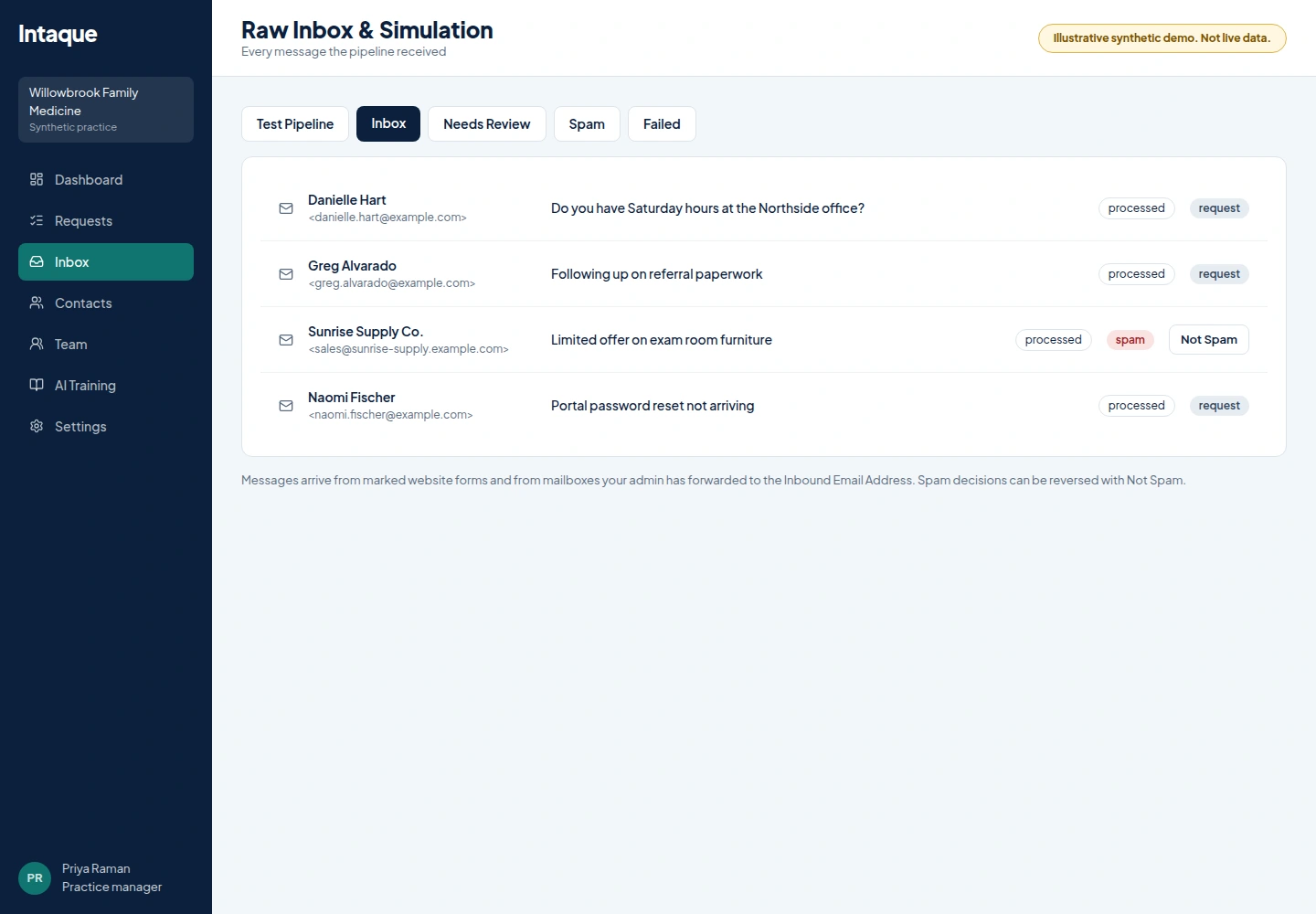
- Contact forms or requests from your website are routed, assigned, managed, and tracked with total visibility and auditing through the whole process
- Email mailboxes forwarded for generic business mailboxes like [email protected], [email protected], [email protected] and [email protected] for management of emails including SPAM filtering
- Add website knowledge and reference files so AI understands your services
Route
Let each office team receive the right work.
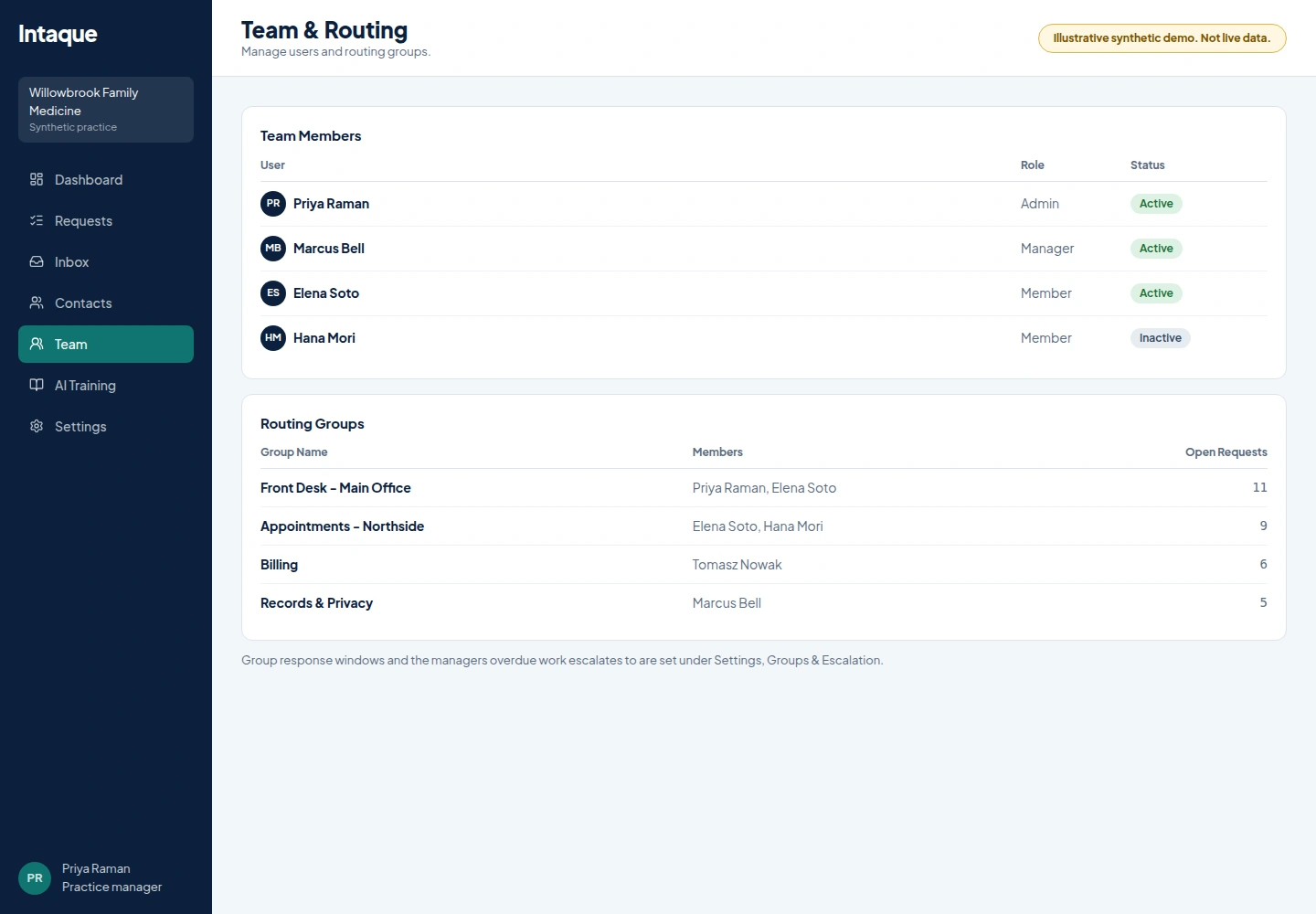
- AI screens spam, summarizes, categorizes and suggests a group
- Group settings choose offer-to-all, round robin or queue notice
- Staff correct any AI decision
Manage
Keep ownership and deadlines visible.
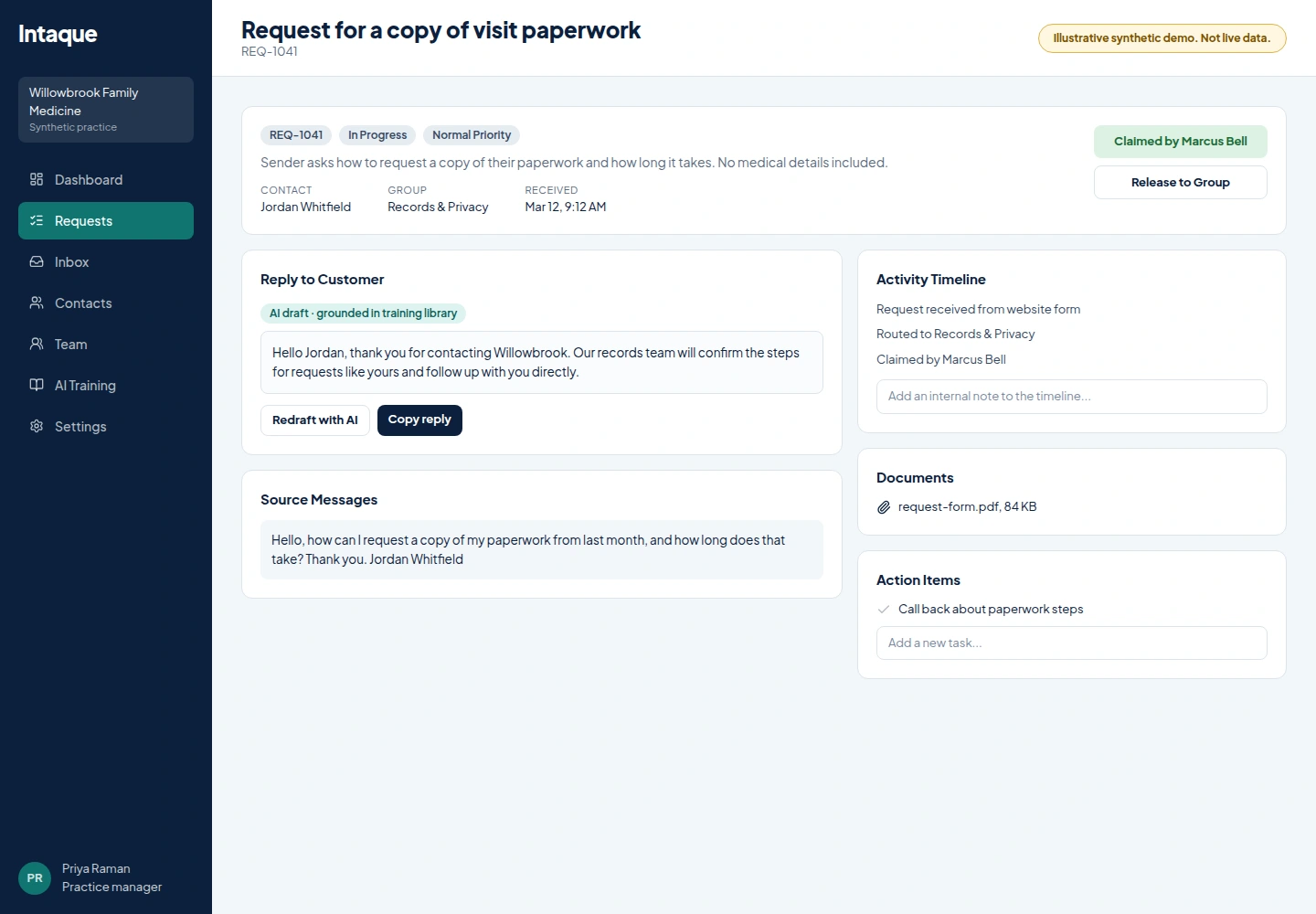
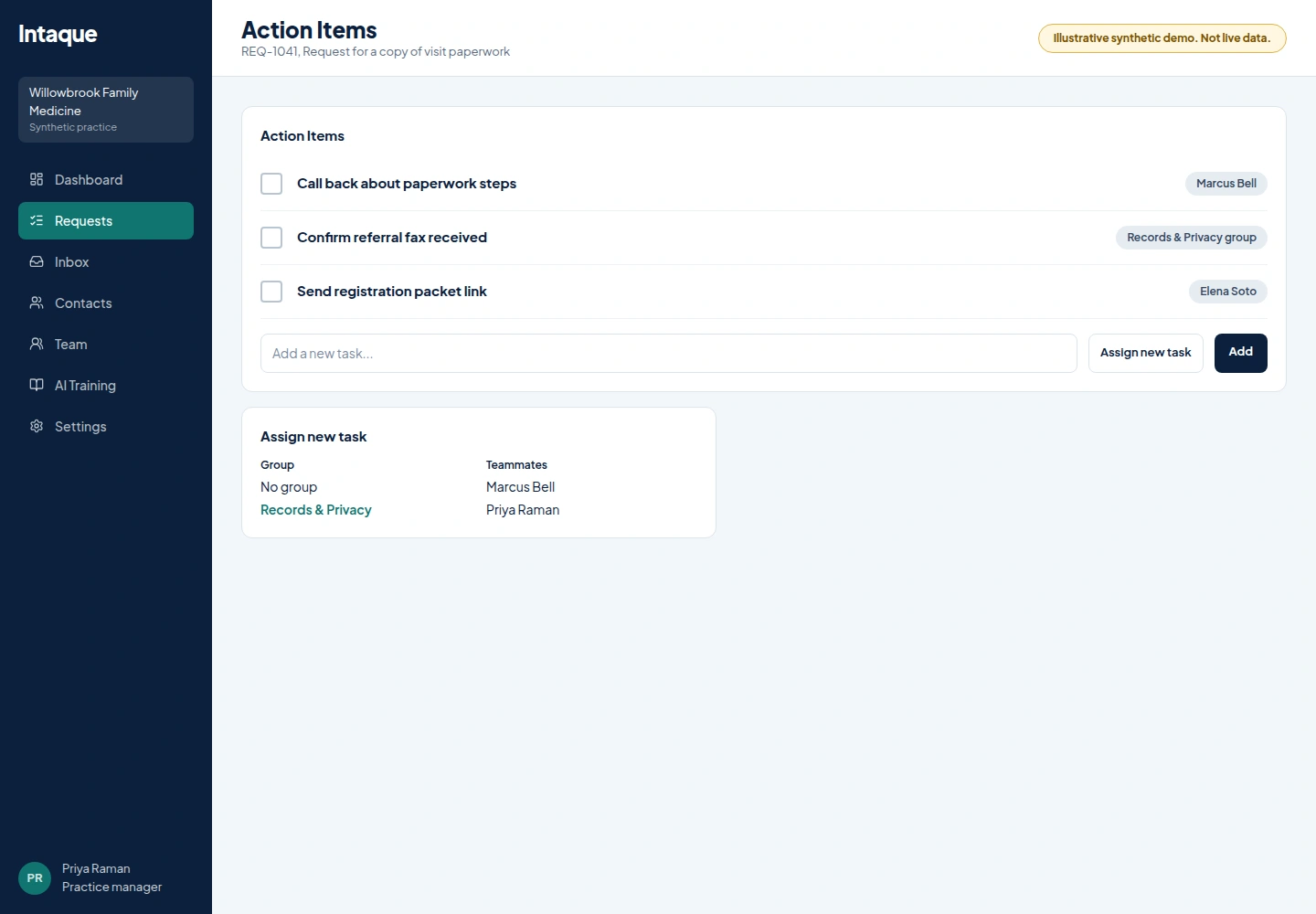
- Claim, release, share, note and create follow-up tasks
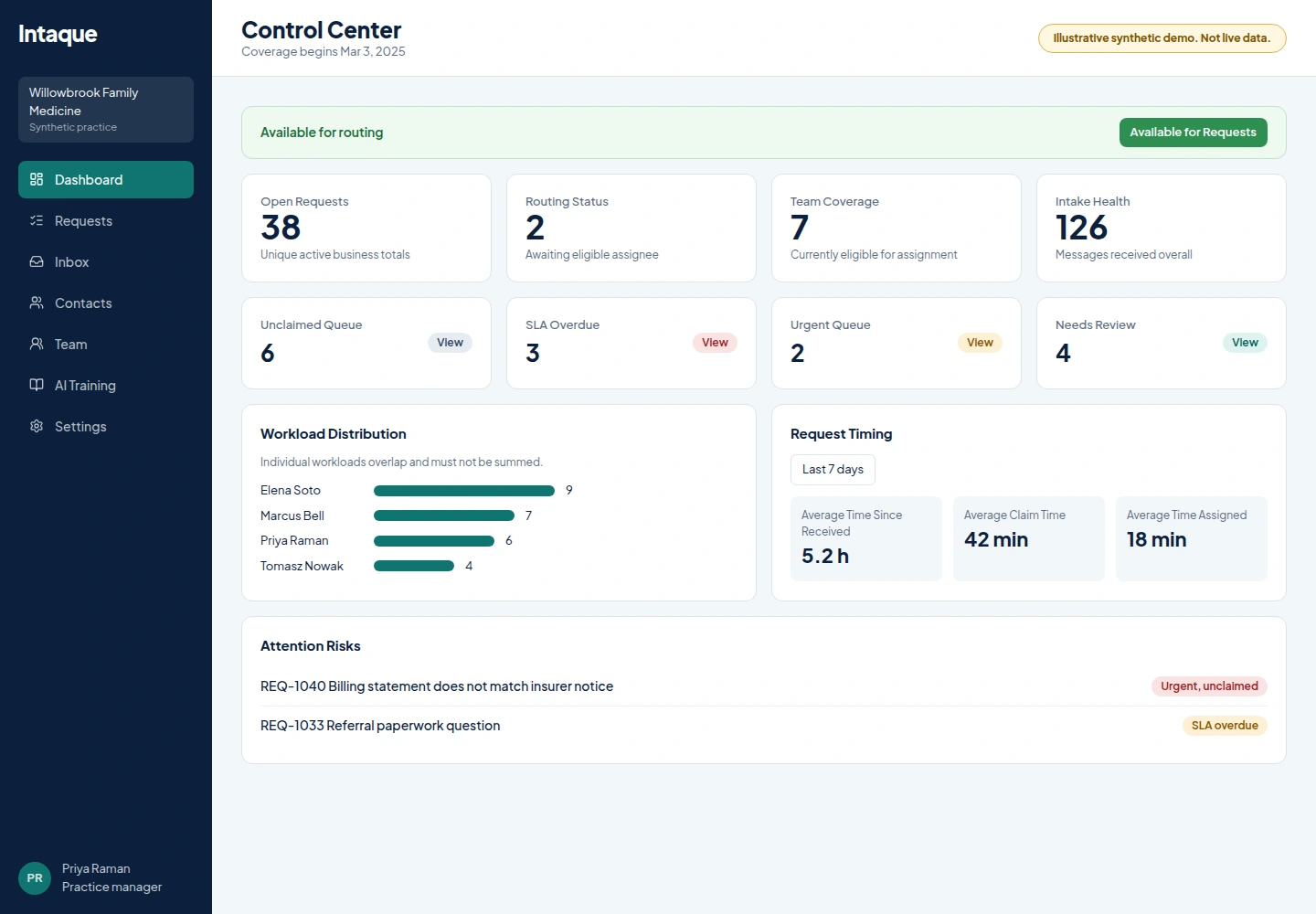
- Normal and urgent group SLAs escalate to managers
- The Control Center shows workload, availability and risk
Common questions
Frequently asked questions
What if a request stays unclaimed?
It stays visible in the unclaimed queue. The group SLA starts once a request is effectively assigned or claimed.
Are follow-up tasks assigned automatically?
Per group, admins choose manual, offer to all available members, or round robin. Explicit person assignments stay manual.
How do managers learn about overdue work?
Active group managers get in-app and staff-email alerts, with tenant admins as the fallback.
Give every inquiry an owner by Monday.
Connect a form, set up your office groups and let your team see what needs them next.